Binance
Binance
Profile → API Management → Create API → System-generated. Enable Futures Trading and read access, then disable Withdraw.
Open Binance guide ↗Start with a source, then connect an exchange and set your trading rules. After that, choose whether to test signals or place live trades.
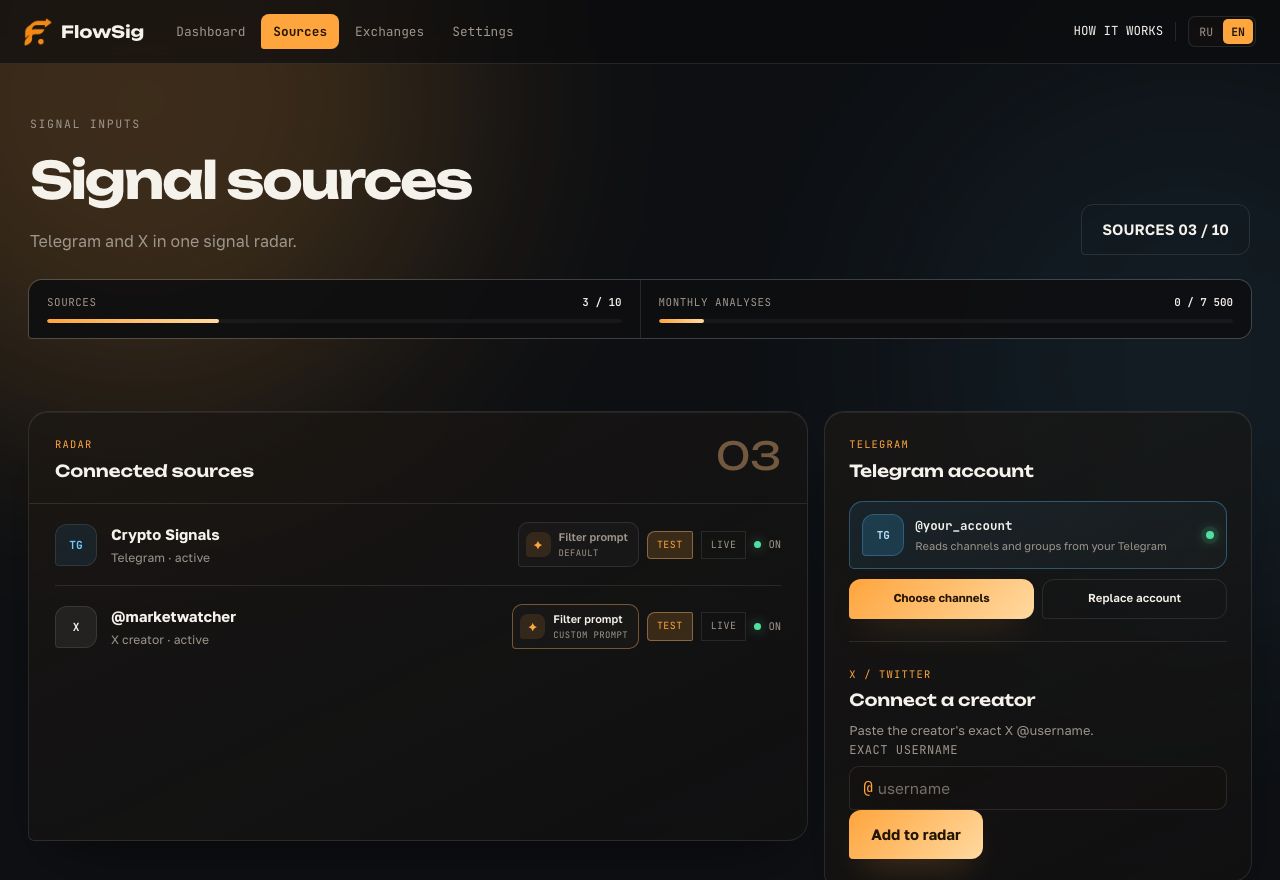
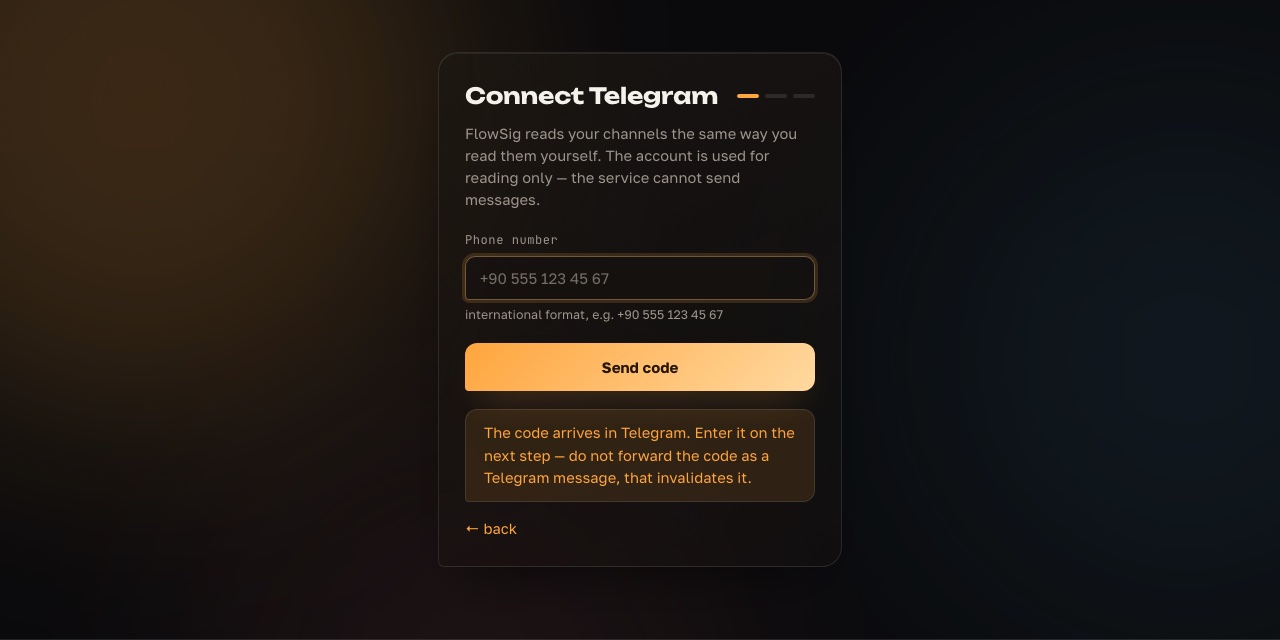
Open Sources and choose the platform that works for you. For Telegram, connect your account and configure channels you already read. For X, add the creator’s exact @username. FlowSig reads only the sources you select.
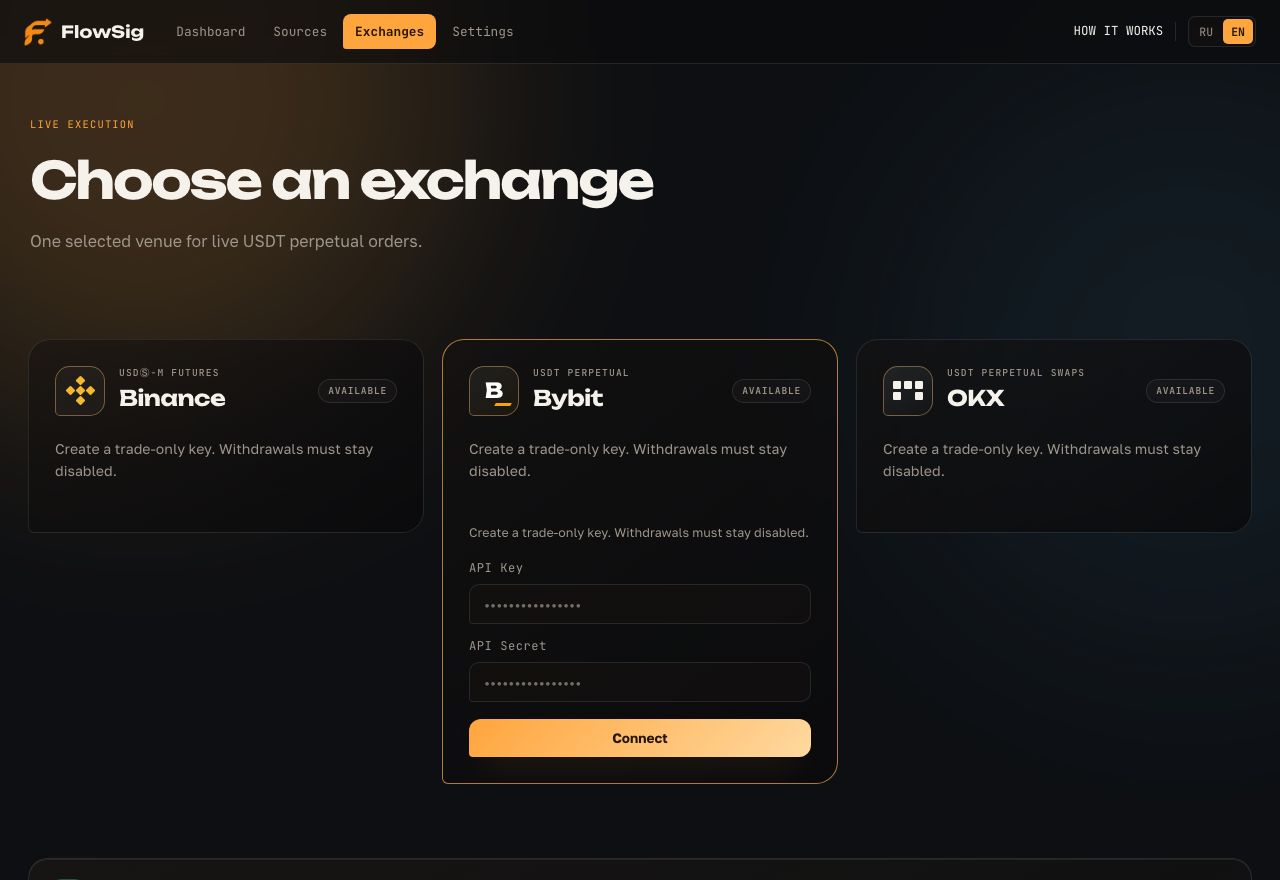
Test mode works without an exchange key. For live trading, open Exchanges and connect Binance USDⓈ-M Futures, Bybit USDT Perpetual, or OKX USDT Perpetual Swaps. One selected exchange is active at a time.
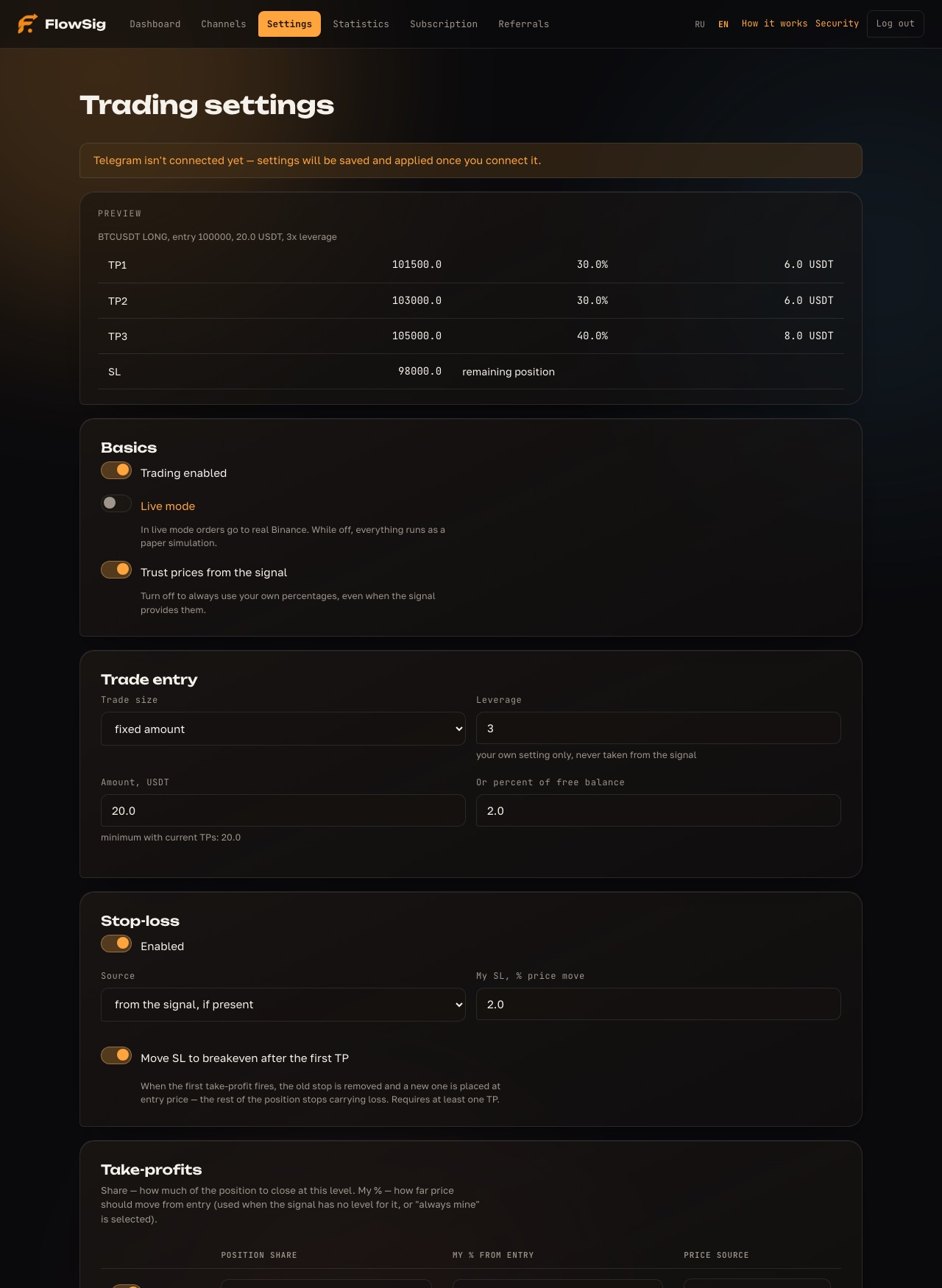
In Settings, choose position size, leverage, stop loss, take profits, limits, and automatic closing. Then select TEST or LIVE for each source. TEST models trades at market prices; LIVE sends real orders to your connected exchange.
A prompt is an instruction for the AI on one channel or creator. It does not invent trades. It helps distinguish a trading signal from news, a chart, discussion, or a repeated post. The more accurately you describe the source, the fewer irrelevant messages enter processing.
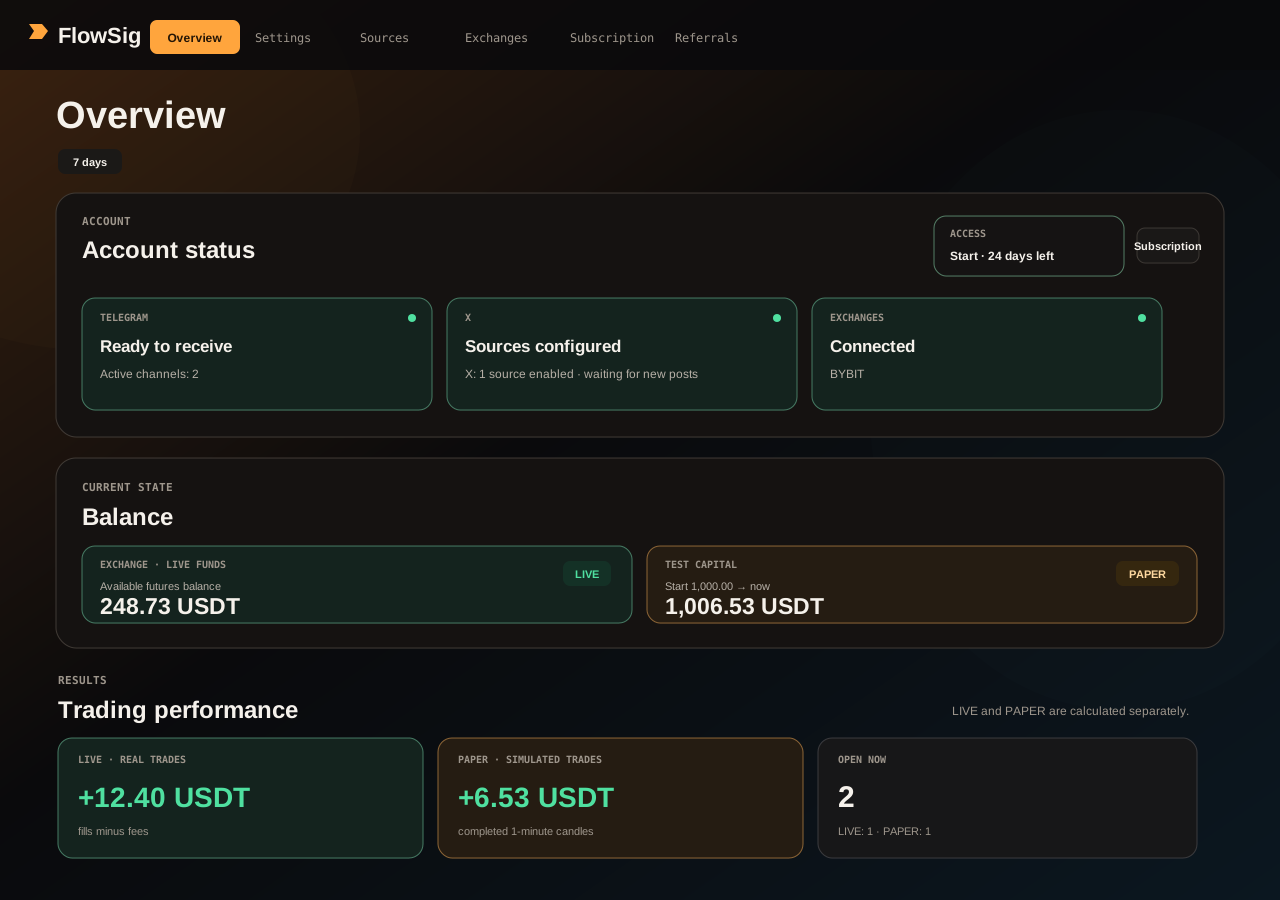
Overview shows source and exchange status, balances, open TEST and LIVE positions, source results, and the event feed. Use it to confirm that the right source is receiving messages and the intended trading mode is selected.
A key is only needed for LIVE. Enable 2FA before creating one. Make a dedicated key with minimum permissions: read access and futures trading (Read and Write).
Profile → API Management → Create API → System-generated. Enable Futures Trading and read access, then disable Withdraw.
Open Binance guide ↗Profile → API → Create New Key → System-generated. Give Read-Write access for contract orders and positions; keep Withdraw disabled.
Open Bybit guide ↗Profile → API and connections → Create API key. Choose Read and Trade, disable Withdraw, and save your Passphrase.
Open OKX guide ↗If you enable IP whitelisting, ask support for the current FlowSig server IP first. Never copy a random address from an old screenshot or message.
Open the FlowSig bot through your personal link and tap Start. It reports live-position opens and closes, take-profit fills, stop-loss moves to breakeven, and clear errors that need your action.
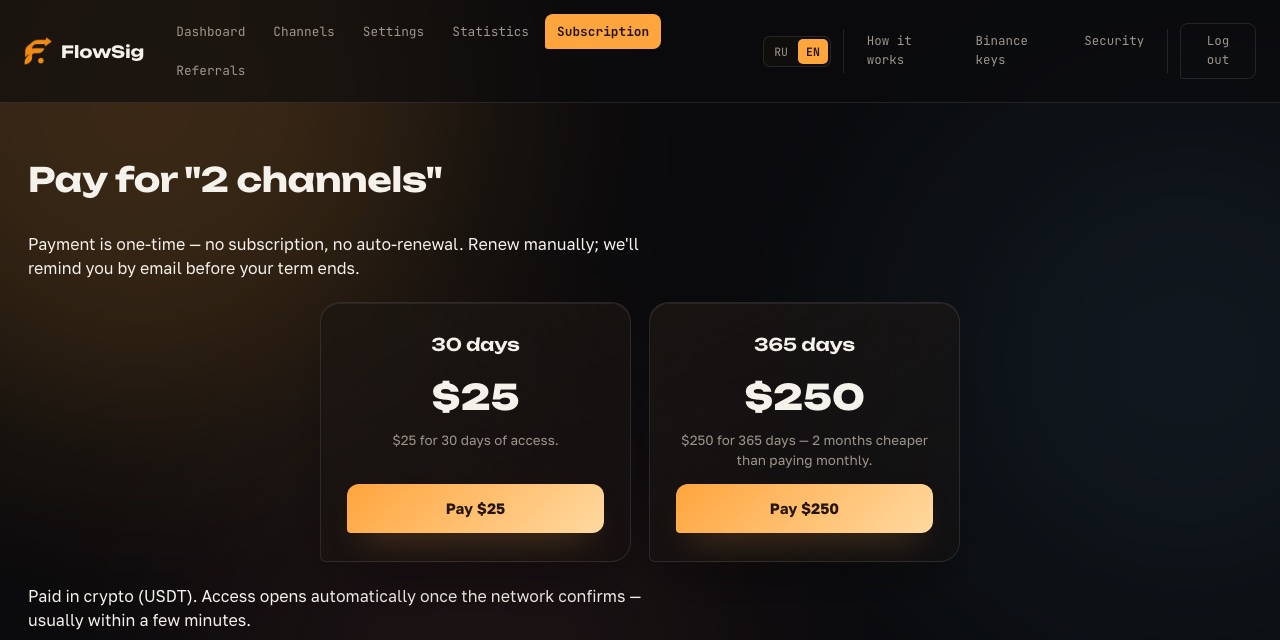
Subscription / Pricing shows access time and limits for sources, AI analyses, and open positions. Overview lets you compare each source before you trust it with LIVE trading.